
App Overview
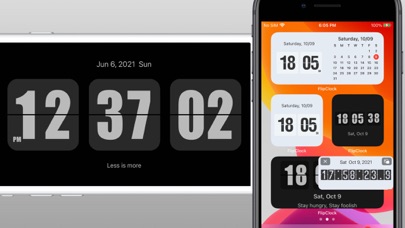
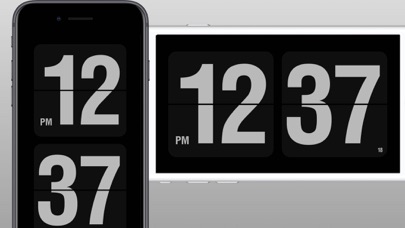
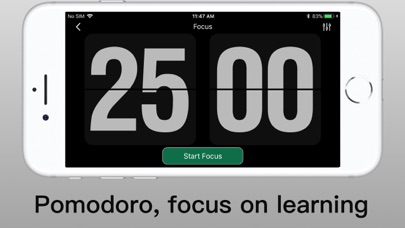
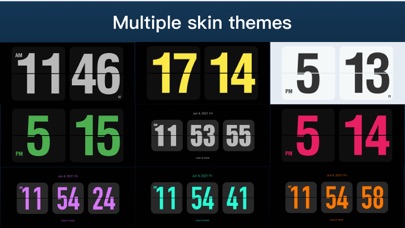
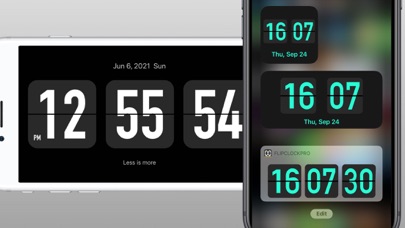
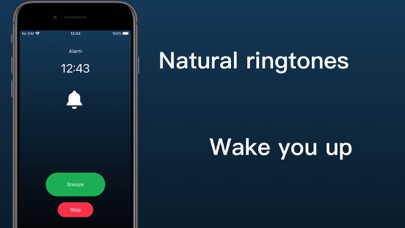
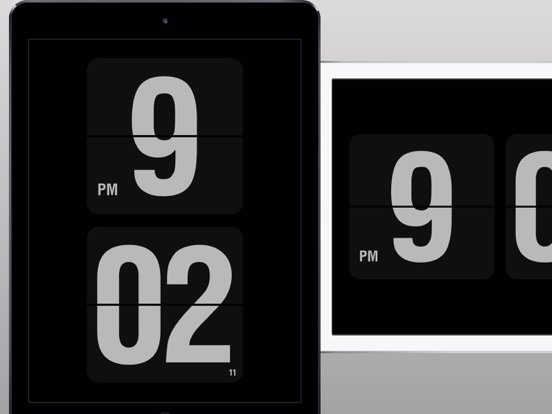
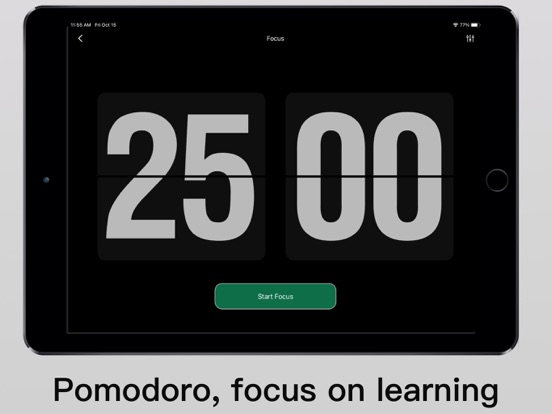
Flip Clock is a classic desktop digital clock. The desktop clock widget supports displaying seconds and a calendar. Clock can be displayed on lock screen and standby screen. - Show time in seconds on home screen , lock screen, dynamic island, standby screen, - Full screen display time and date - 12 and 24 hour modes. - Smart alarm clock, can automatically adjust the volume. - Support multiple clock themes. - Provide timer and stopwatch, countdown. - Countdown to the target time, such as New Year's Day, Christmas, etc. - The Pomodoro Technique helps you focus on work and study. - The floating clock supports the display of a stopwatch in the floating window. - Support playing background white noise. - Provide calendar and clock widget display. - Support to display personalized signature on the widgets - Hourly chime, hourly voice timekeeping. - You can set the app to automatically launch when charging, as a screensaver.
Screenshots
What you can learn from this app
For product managers
Product managers can study how Flip Clock - digital widgets defines its core value in Utilities, prioritizes features, and structures monetization.
For designers
Designers can reference Flip Clock - digital widgets's screen hierarchy, onboarding flow, and App Store screenshot storytelling to extract Utilities design patterns.
For indie builders
Indie builders can use Flip Clock - digital widgets's product scope and feature trade-offs to find a buildable entry point of their own.