
App Overview
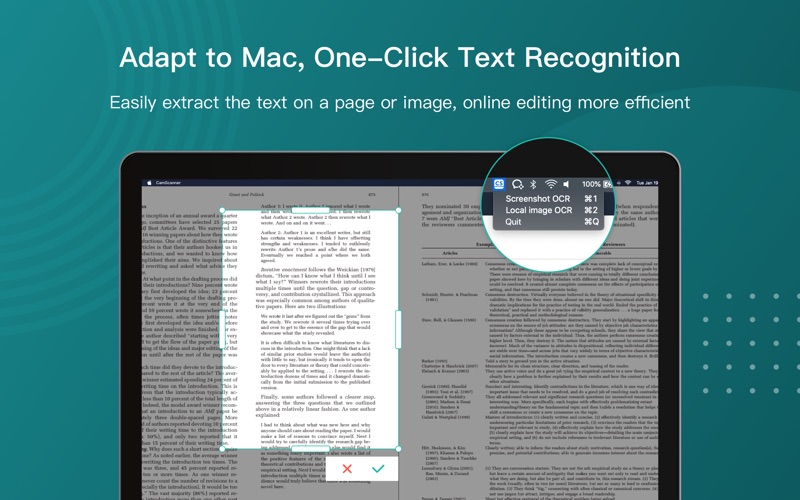
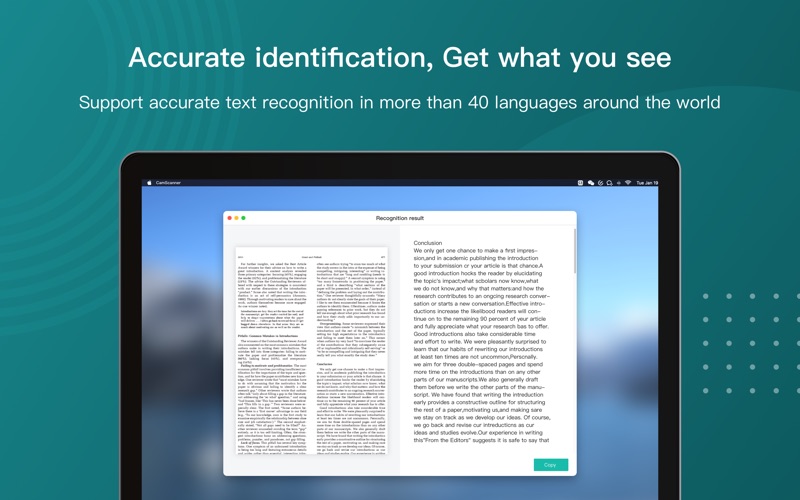
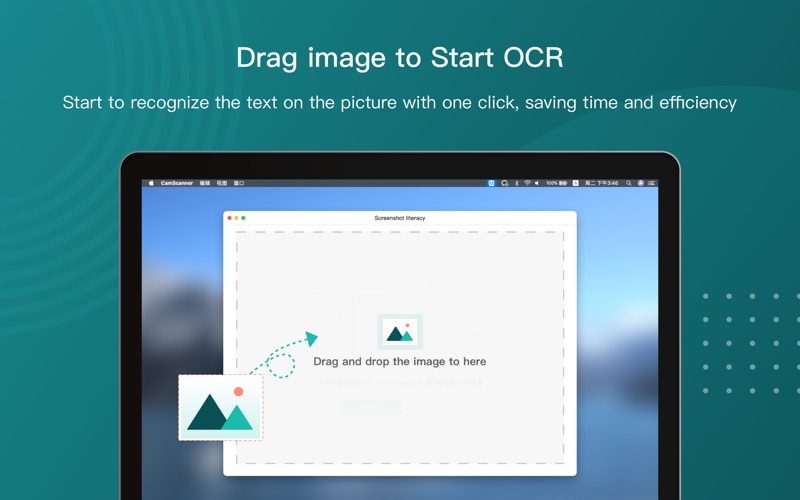
Thanks for selecting CamScanner: a one-stop platform for document editing and management. Now you can use the "Text Recognition(OCR)" function on multiple devices or platforms such as mobile phones(App), PC/Mac,Web Pages, etc. ~ (CamScanner App ranks first in the download volume of free efficiency apps in the App Stores in 125 countries and regions. It has been recommended by the App Store for more than 660 times and has been downloaded for more than 700 million times.) 【Introduction】 CamScanner is a efficiency app for scanning and text recognition, with industry-leading optical character recognition technology, can accurately identify the text content on the picture and convert it into editable text. At the same time, it supports the recognition of handwritten and vertical text. 【The main function】 「Extract text from screenshots」 Automatically and accurately recognize the text in the picture, support the recognition of Chinese, English, Japanese, Korean, French, German, Spanish, Malay, Thai, Vietnamese, Portuguese, Italian and other more than 40 languages. Also support the recognition of handwritten and vertical text. 「Extract text from uploaded images」 Extract the text in a
Screenshots
What you can learn from this app
For product managers
Product managers can study how CamScanner: PDF Scanner App defines its core value in Productivity, prioritizes features, and structures monetization.
For designers
Designers can reference CamScanner: PDF Scanner App's screen hierarchy, onboarding flow, and App Store screenshot storytelling to extract Productivity design patterns.
For indie builders
Indie builders can use CamScanner: PDF Scanner App's product scope and feature trade-offs to find a buildable entry point of their own.